Smart Home Device Security: The Five Habits That Matter Most
A smart lock, camera or thermostat is a small computer connected to your home network, and it inherits every weakness of one. Here are the habits security professionals recommend before and after you set one up.
By Home Crane Editors. . 3 min read.
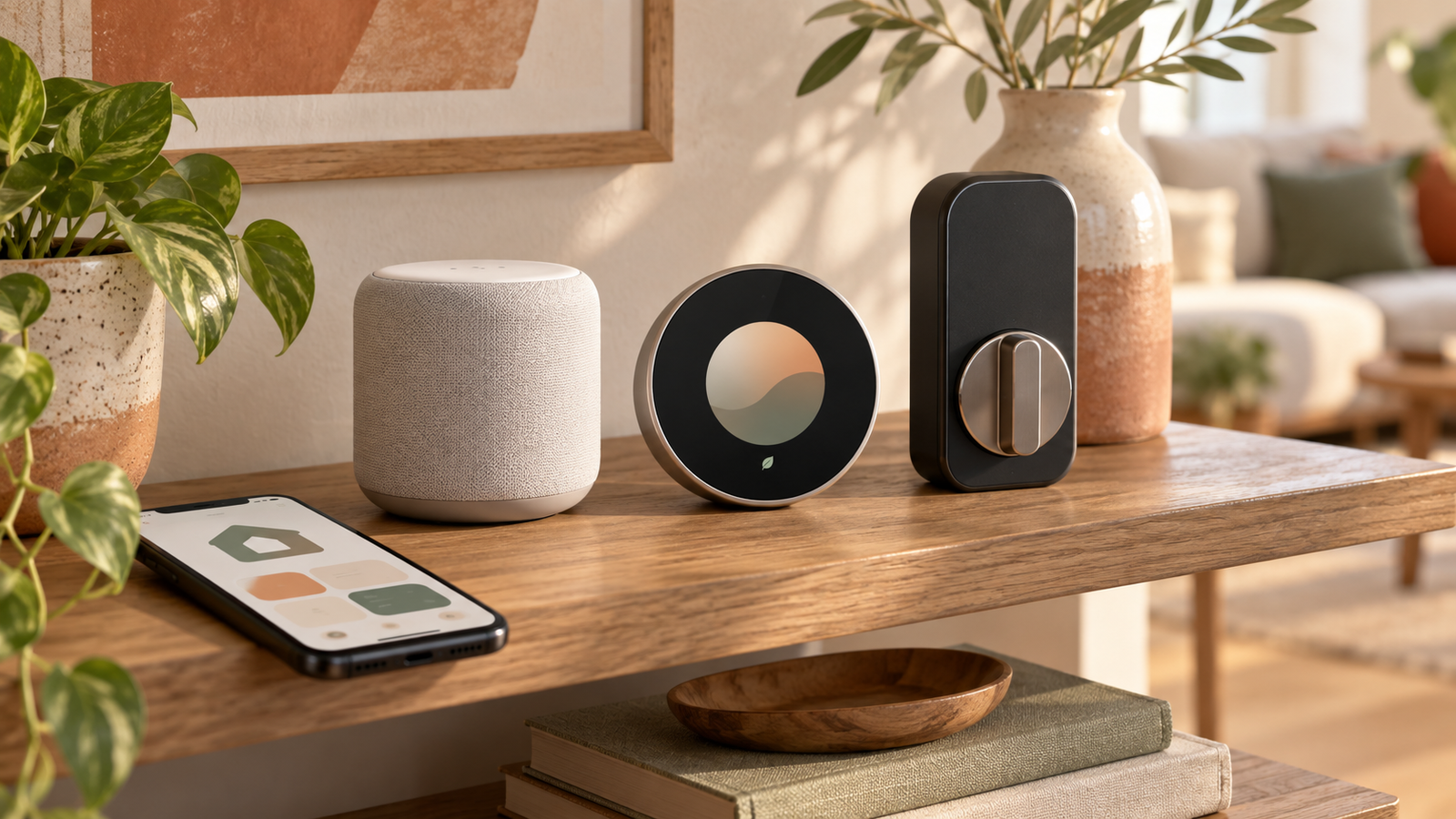
Conceptual illustration of common smart home devices.
A smart lock, camera, thermostat or plug is a small computer connected to your home network, and it inherits every weakness of one. The good news is that a short list of habits addresses most of the risk. The nonprofit National Cybersecurity Alliance and the SANS Institute, a well-known security training organization, both converge on the same core recommendations, which is a useful signal that this is settled, non-controversial advice rather than one vendor's marketing.
Change every default password
SANS Institute guidance notes that default passwords are often publicly known, sometimes posted online, since manufacturers frequently ship every unit of a given model with the same credentials. This applies to your router as much as to any individual smart device. Change the default administrator password on your router, and change the default password on every smart device you add, using a strong, unique password for each. A password manager makes this practical at scale, since remembering a dozen unique strong passwords by memory is unrealistic for most people.
Put smart devices on their own network
This is the single highest-value step for limiting damage if a device is compromised. Most modern routers support a guest network feature, and the National Cybersecurity Alliance recommends putting smart devices on a separate network from your primary devices, such as laptops and phones. The logic is straightforward: if a compromised device sits on an isolated network, an attacker who gains control of it cannot use it as a stepping stone to reach your computer, phone or files, because the guest network cannot see or communicate with your main network.
| Feature | Effort | Impact |
|---|---|---|
| Change default passwords | Low | High |
| Set up a guest network for smart devices | Low to moderate, one-time setup | High |
| Enable automatic firmware updates | Low, one-time setup per device | Moderate to high, ongoing |
| Disable unused features | Low | Moderate |
| Enable multi-factor authentication on device accounts | Low to moderate | High for internet-connected accounts |
Keep firmware updated
Firmware is the built-in software that runs a smart device, and manufacturers periodically release updates that patch known security vulnerabilities. SANS Institute guidance recommends turning on automatic updating where the device supports it, and periodically checking manually where it does not. A device no longer receiving updates from its manufacturer, sometimes called end of life, is a genuine security liability, since known vulnerabilities in it will never be fixed. Replacing an unsupported device is a reasonable response, not an overreaction.
Turn off features you don't use
The National Cybersecurity Alliance's guidance recommends disabling features you do not need on a connected device. Many smart devices ship with remote access, additional sensors or integrations enabled by default that most households never use. Every active feature is a potential entry point, so disabling what you do not use reduces the device's exposed surface without reducing its usefulness to you.
- Change the default password on your router first, since it is the gateway for every device behind it.
- Set up a guest or IoT-specific network and move smart devices onto it.
- Enable automatic updates on every device that supports it, and calendar a quarterly check for devices that do not.
- Enable multi-factor authentication on any account tied to a smart device, such as a camera or lock's companion app.
- Periodically review which features are enabled on each device and turn off what you do not use.
What to do before you even set up a new device
Security habits are easiest to build in at the start rather than retrofitted later. Before plugging in a new smart device, take a few minutes to read through its app's privacy and security settings rather than accepting every default. Many devices ask for permissions or enable data-sharing features by default that go beyond what the device needs to function, and reviewing these at setup is far less effort than trying to audit a house full of devices all at once later.
This is about your whole home network, not just one gadget
Smart home security is really home network security with extra devices attached. The same guest network and password habits that protect a smart thermostat also protect your laptop, phone and any shared files or printers on your main network. Treating this as a five-minute setup step when you bring home each new device, rather than a one-time project you meant to get to, is the difference between a home network that stays reasonably secure and one that accumulates risk with every new gadget.
Your takeaway: before you set up your next smart device, change its default password, connect it to a guest network rather than your main one, and turn on automatic updates if the option exists. Those three steps address most of the realistic risk for a typical household.
Frequently asked questions
Do I really need a separate network for smart devices?
It is one of the most effective single steps you can take. If a smart device is compromised while isolated on a guest network, an attacker generally cannot use it to reach your primary devices, which significantly limits the potential damage.
What if a device no longer receives updates?
A device that is no longer supported by its manufacturer will not receive patches for newly discovered vulnerabilities. Security guidance generally recommends replacing such devices rather than continuing to rely on them.
Sources
- Secure Your Home, National Cybersecurity Alliance. Checked September 24, 2026
- OUCH! Securing Wi-Fi at Home, SANS Institute. Checked September 24, 2026
Share this article
Get new guides by email
Practical home articles and free resources. No spam, and you can unsubscribe at any time.