3 Simple Ways to Hide Electrical Wires on an Exposed Brick Wall
Compare three ways to conceal cables on exposed brick, with clear distinctions between media-cable covers, furniture routing, and permanent wiring.
By Home Crane Editors. . 5 min read.

The simplest way to hide cables on exposed brick is often to shorten their visible route, place media equipment together, and use a suitable cover only where needed. If the job involves extending or relocating permanent electrical wiring, a listed surface raceway installed by an electrician can preserve the exposed wall without chasing a channel into the masonry.
These are three different approaches, not interchangeable products. A decorative cover for media cables does not automatically qualify as an enclosure for permanent household wiring. Before choosing one, identify the cable and decide whether you are organizing an existing cord or changing the electrical installation.
The ideas below suit different rooms and budgets. Each keeps access and the condition of the brick in view, which matters as much as making the wall look tidy.
Identify the Cable Before Concealing It
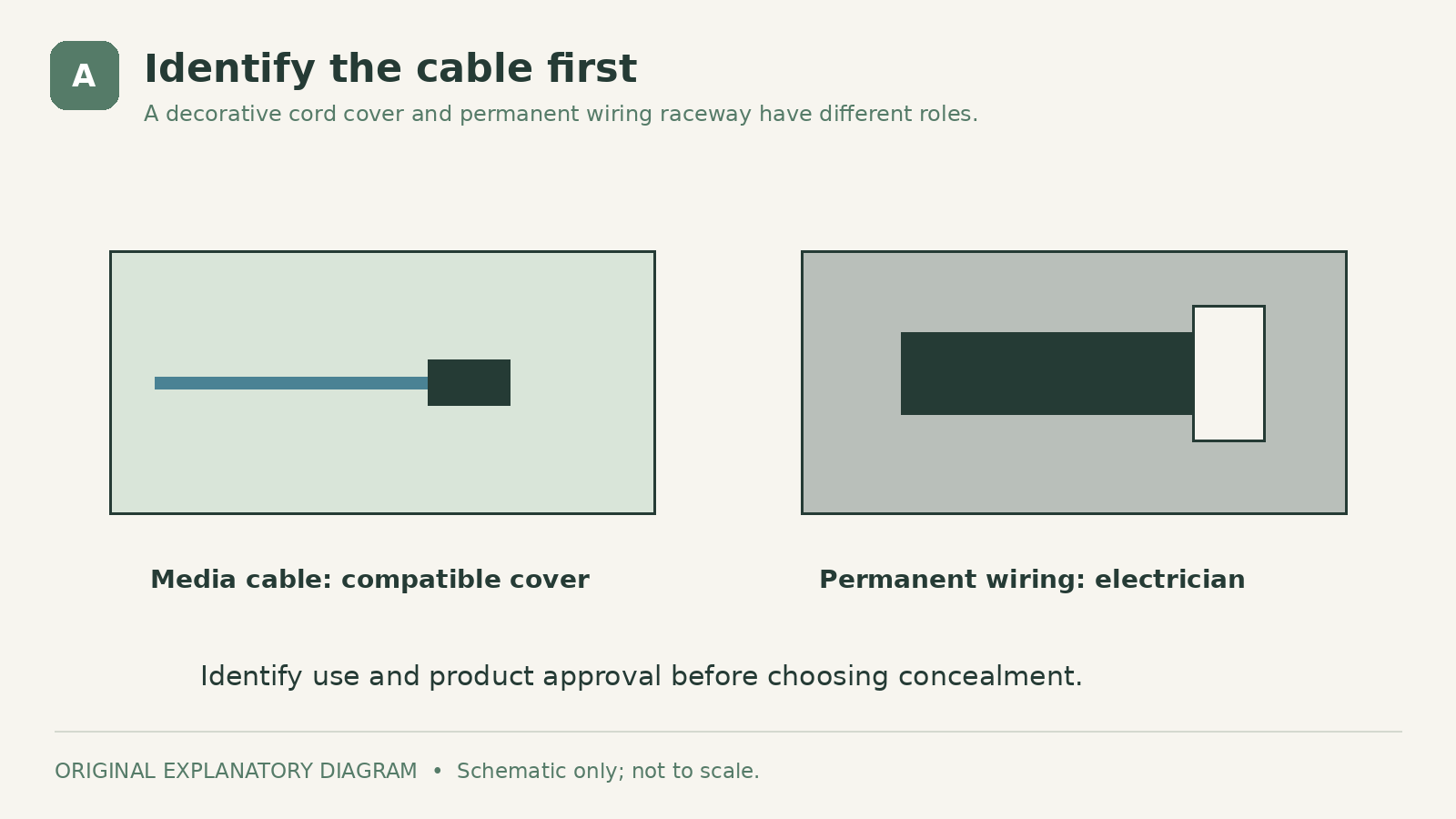
An HDMI cable, a television's power cord, and conductors serving a permanent receptacle have different requirements. Read the cable and equipment information. If you cannot identify the wiring, stop and ask an electrician before enclosing or altering it.
| Feature | Appropriate starting point | |
|---|---|---|
| Identified low-voltage media cable | Compatible cord cover or furniture route | |
| Plug-in equipment power cord | Equipment instructions and a cover specifically approved for that use, if any | |
| Permanent household wiring | Electrician-designed, listed wiring system | |
| Damaged or unidentified cable | Assessment before concealment |
Do not interpret this table as permission to mix cable types in one channel. The selected system must permit the actual combination and arrangement.
An extension cord should not become the permanent answer to a badly placed outlet. US Department of Energy electrical safety guidance cautions against using extension cords in place of permanent wiring and against damage from furniture, rugs, or fastening staples. A new outlet location may be the better long-term project.
1. Use a Compatible Cover for Low-Voltage Media Cables
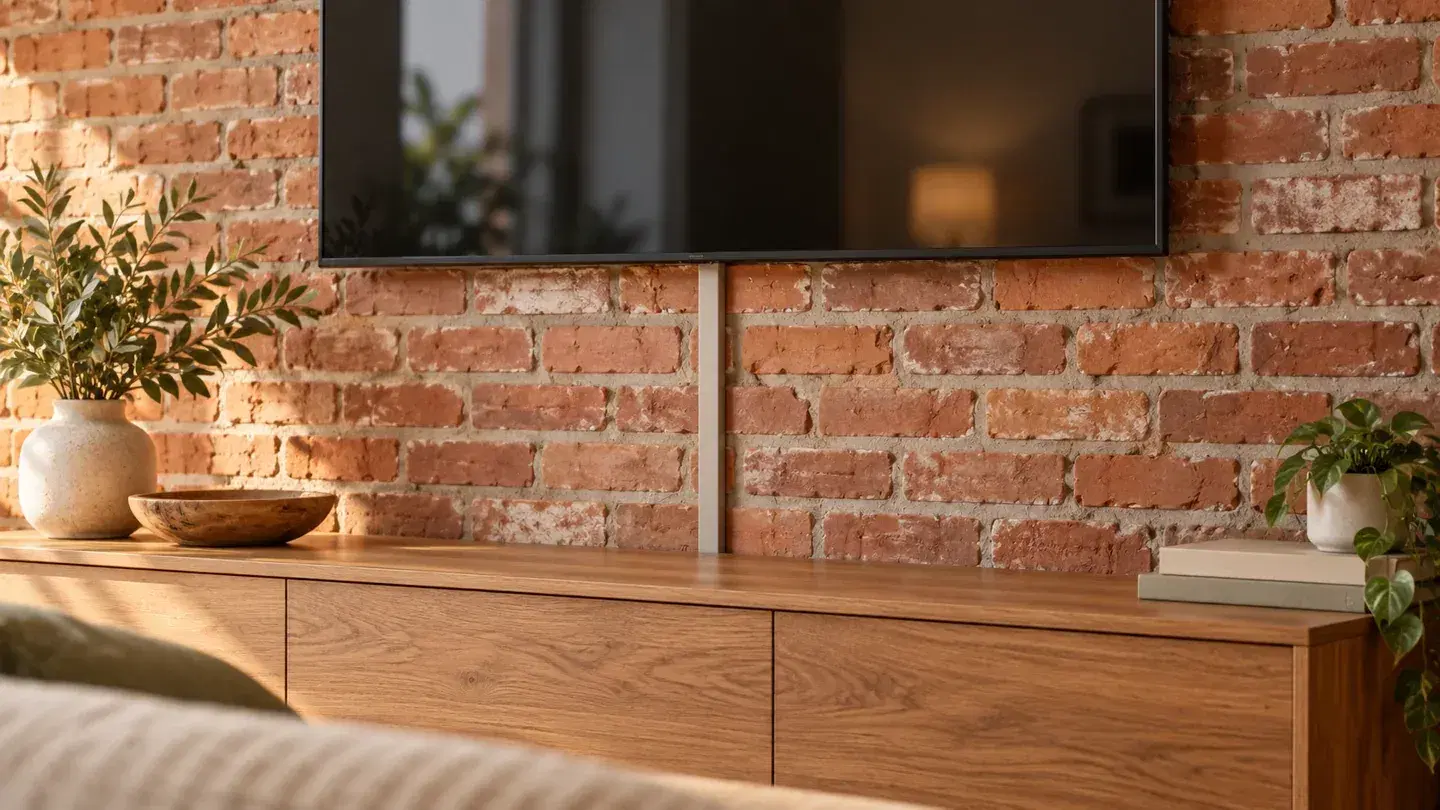
For a short HDMI or similar media-cable run, a slim cover can create a single neat line rather than a loose bundle. Position it along an existing visual edge, such as a cabinet side or the transition beside trim, where practical.
Choose a product by its permitted use, internal space, fittings, and attachment instructions. Legrand's CordMate II kit is one example to investigate for media-cable organization. This is a product-category example, not a claim that it fits every cable or brick wall.
Brick creates a particular attachment problem. Its face may be rough, dusty, painted, sealed, or friable. Legrand's channel guidance notes that adhesive performs best on smooth surfaces rather than textured ones. Do not assume stronger tape will make a rough wall suitable.
Check the cover manufacturer's approved mounting method and obtain permission before fastening to rented or historic masonry. If a secure, permitted attachment is not available, choose the furniture approach instead.
Where the cover is paintable, follow its preparation instructions and paint the cover separately as appropriate. A color close to the mortar can look quieter than trying to imitate every brick. Keep labels, vents, and connectors clear.
2. Shorten and Conceal the Route Behind Furniture

A media console can hide much of a cable run without attaching anything to the brick. Position connected equipment near one another and near a suitable existing receptacle, while maintaining the equipment's required ventilation.
Use the furniture's intended cable openings or an appropriate cable-management accessory. The route should remain loose enough to avoid strain at connectors and clear of hinges, drawer slides, sharp edges, and furniture feet. Avoid burying a tangle where you cannot inspect it.
This method works best when the television, router, or audio equipment can sit at a practical height without a long exposed drop. A low console below a screen may conceal most of the route, leaving only a short section to organize.
Do not push a cabinet tightly against plugs or trap a power cord underneath it. Keep outlets accessible, and follow furniture anchoring instructions where required. Renter-friendly cable management does not override furniture-stability needs.
As an original layout exercise, sketch the devices as boxes and connect them with lines. Move the boxes on paper until the lines become shorter. You may solve the visual problem by rearranging one device rather than buying a larger cover.
3. Have Permanent Wiring Enclosed in a Listed Surface Raceway
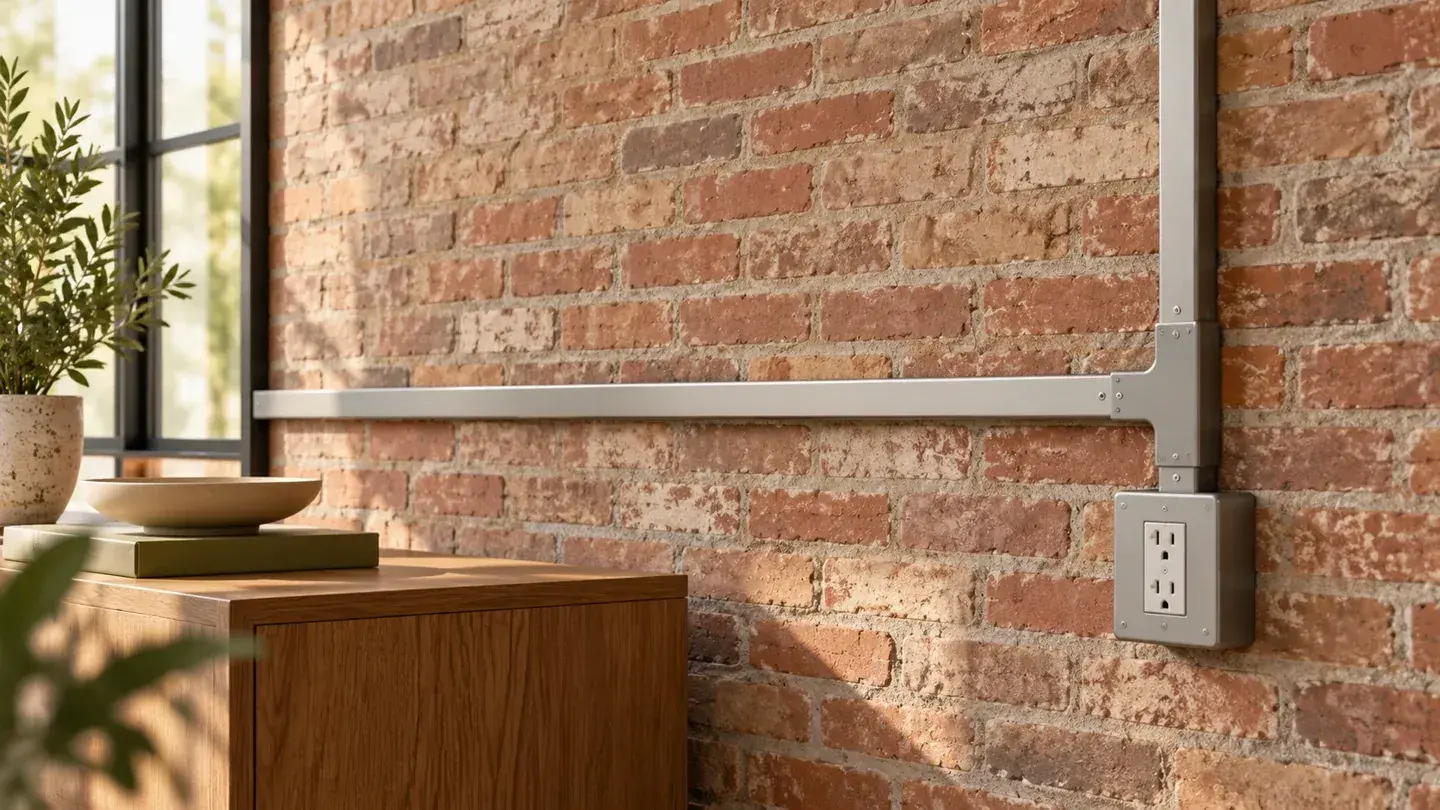
When you need a new receptacle location or a permanent wiring route, ask an electrician about an appropriate surface-mounted system. Metal raceway can suit exposed brick because its visible line reads as an intentional part of the room.
Legrand's raceway range includes systems for power and data, but the exact components, listing, installation conditions, and separation requirements matter. A decorative channel selected by appearance alone is not a substitute.
Discuss the route, box positions, finish, and required permissions before work begins. The electrician should assess the existing circuit, attachment to the masonry, and applicable local requirements. This article does not provide wiring or drilling instructions.
Keep the layout simple. A deliberate vertical line into a horizontal run can look more orderly than several short jogs around furniture. Review the proposed route from the room's main viewing position before agreeing to it.
This approach is less reversible than moving a console. For a rental, obtain written approval for the proposed work and clarify who owns and maintains the resulting installation.
Plan a Route You Can Inspect
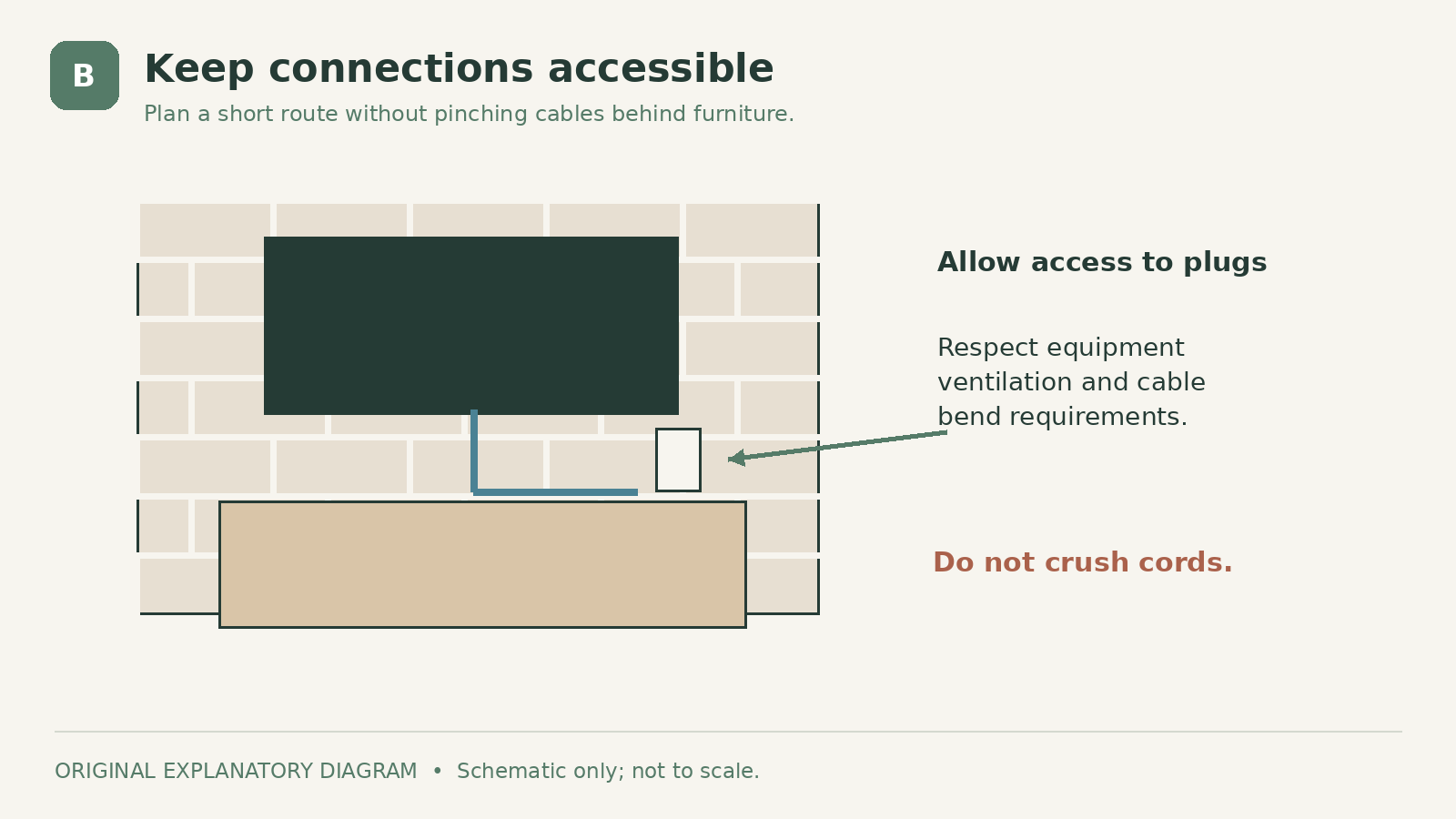
A successful concealment plan leaves plugs, equipment connections, and required access points usable. Draw the route first, including the space needed to remove a device for replacement.
For each change of direction, check that the cable's bend requirements can be met without forcing it into a tight corner. Confirm that the selected cover can accommodate the cable, not just its thin middle section. Connector size may affect how the system is assembled.
Keep the route away from hot surfaces and areas where it can be struck or crushed. Do not hide a damaged cable because the damage is visually inconvenient. Replace or assess it first.
Which Option Fits Your Room?
Choose a compatible media-cable cover when you have a short, identified low-voltage run and an approved attachment surface. Choose furniture routing when equipment can move closer together and you want fewer changes to the brick.
Choose professional surface wiring when the real problem is the location of permanent electrical service. That can be the cleanest visual result, but it is a different project from tidying a loose cable.
Before buying anything, photograph the wall, mark the proposed route on a sketch, and check it against normal furniture use. The neatest solution is one that remains accessible and works when the room is actually occupied.
Sources
- US Department of Energy: Oe2003 26. Checked October 5, 2026
- Legrand / Wiremold: Cordmate Ii Kit Cmk50. Checked October 5, 2026
- Legrand / Wiremold: Cordmate Ii Wire Channel White C50. Checked October 5, 2026
- Legrand / Wiremold: C. Checked October 5, 2026
Share this article
Get new guides by email
Practical home articles and free resources. No spam, and you can unsubscribe at any time.
Keep reading

DIY Fluted Headboard Made Out of Pool Noodles
Plan a decorative fluted headboard using covered foam channels, a stable backer, careful material checks, and secure independent mounting.
October 2026, 3 min read

4 Renter-Friendly Ways to Hang Curtains Without Drilling
Compare tension rods, adhesive curtain hooks, magnetic rods, and floor-to-ceiling systems for curtains in a rental without drilling.
October 2026, 3 min read
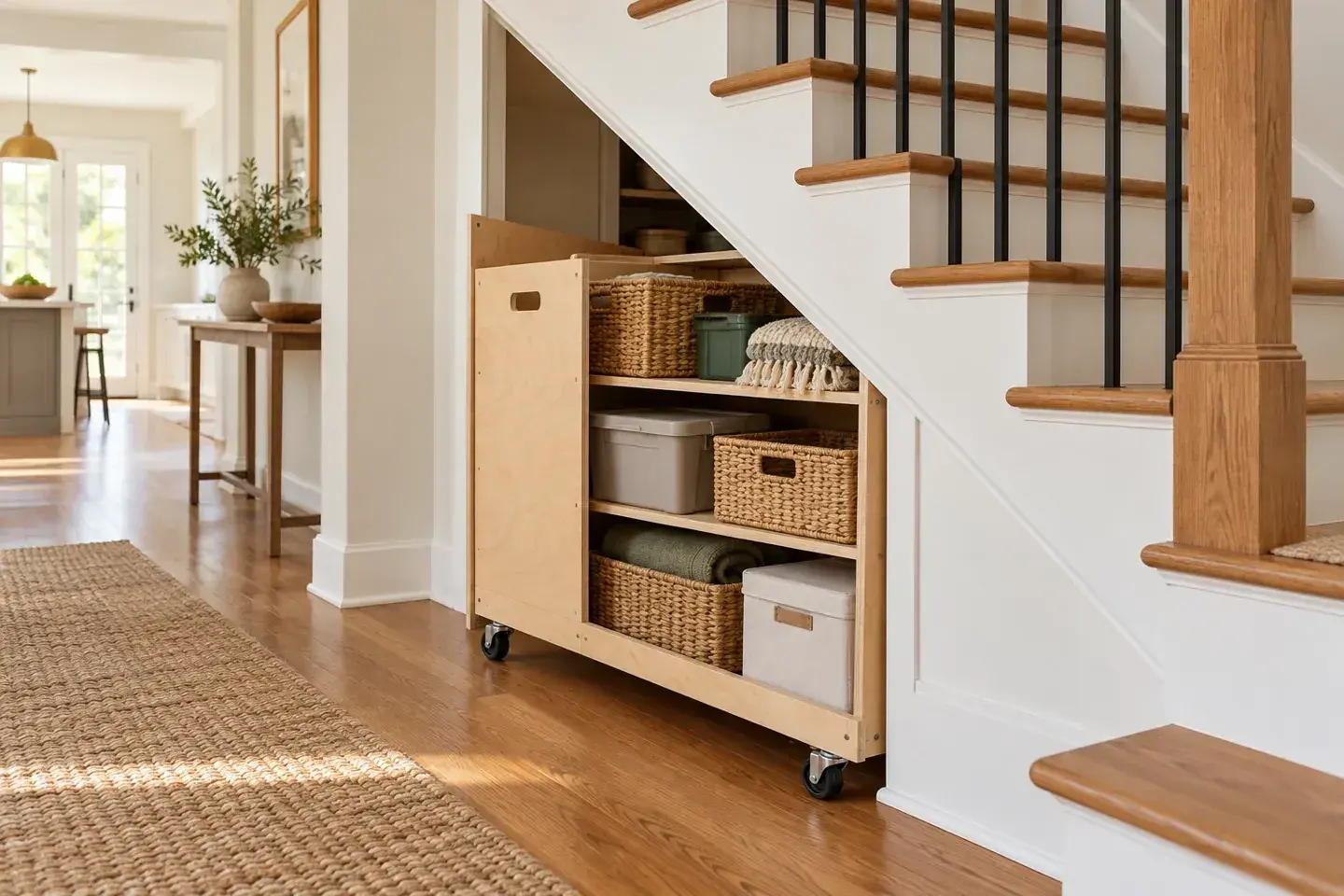
Genius Under-Stairs Pull-Out Storage Ideas You Can DIY
Explore five under-stairs storage approaches with practical guidance on access, drawer hardware, stability, and existing openings.
October 2026, 3 min read